
Login
Login Help for Happy Club
Signing in happens inside the app. This page explains how login works, the realistic options when you cannot get back in, and the scams that target players trying to recover an account.
To be clear before anything else: there is no login form on this website. We are an independent information site, we do not host accounts, and we cannot see, reset or restore anyone's game account. If a page anywhere asks you to enter Happy Club credentials outside the app itself, close it.

How signing in works
If you bound your account to a phone number or a social login, the app signs you in through that method — usually a code sent to your number, or a tap to confirm the linked account. If you played as a guest, the app simply restores the local account stored on that device.
That difference matters. A bound account can be reached from a new phone. A guest account generally cannot, because nothing outside your old device identifies it.
If you cannot log in
Work through the simple causes first. Most failed logins are connection or install problems rather than lost accounts.
- Check your internet connection and try again on a different network.
- Force close the app and reopen it.
- Clear the app cache in Android settings — not the app data, which can remove a guest account.
- Make sure you are on the current build; reinstall the latest APK if not.
- Use the same login method you originally bound, not a different one.
- Contact support inside the app if the account itself is unreachable.
Recovering a lost account
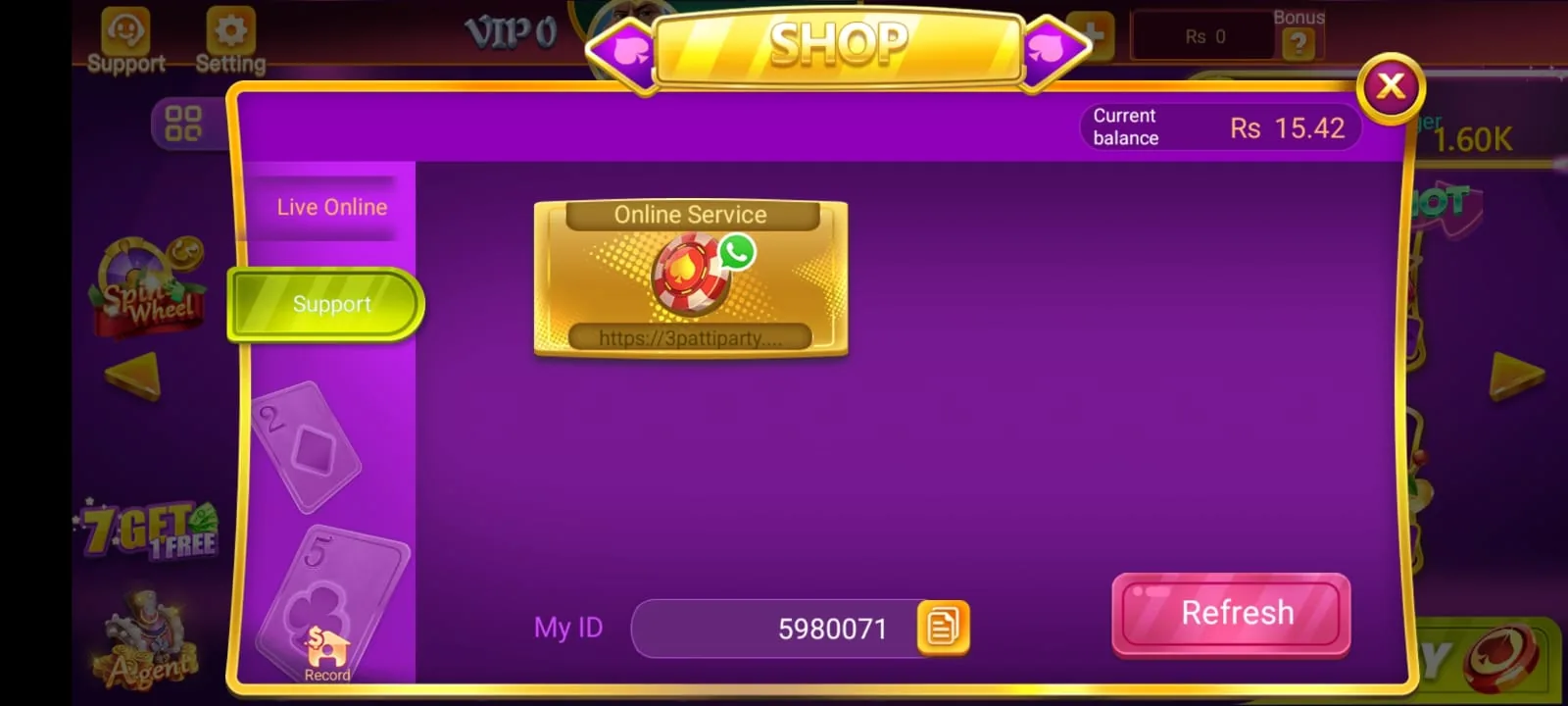
Recovery is handled entirely by whoever operates the game, through the support option inside the app. Be ready to describe your profile name, roughly when you created the account, and anything else that identifies it. A bound phone number or social login is by far the strongest evidence.
We cannot help with recovery, and we will never ask you for account details in order to try. Anyone on a forum, in a comment section or in a chat message offering to recover your account for a fee is running a scam.
Staying safe while logging in
The classic attack is simple: someone poses as support, says your account has a problem, and asks for the code that has just arrived on your phone. That code is the account. Never share it, never share your password, and never sign in through a link someone sends you.
Use a password you do not reuse elsewhere, and log out on any phone that is not yours.